§00 TAPEBOARD - HELP GUIDE¶
Browser-based professional market terminal

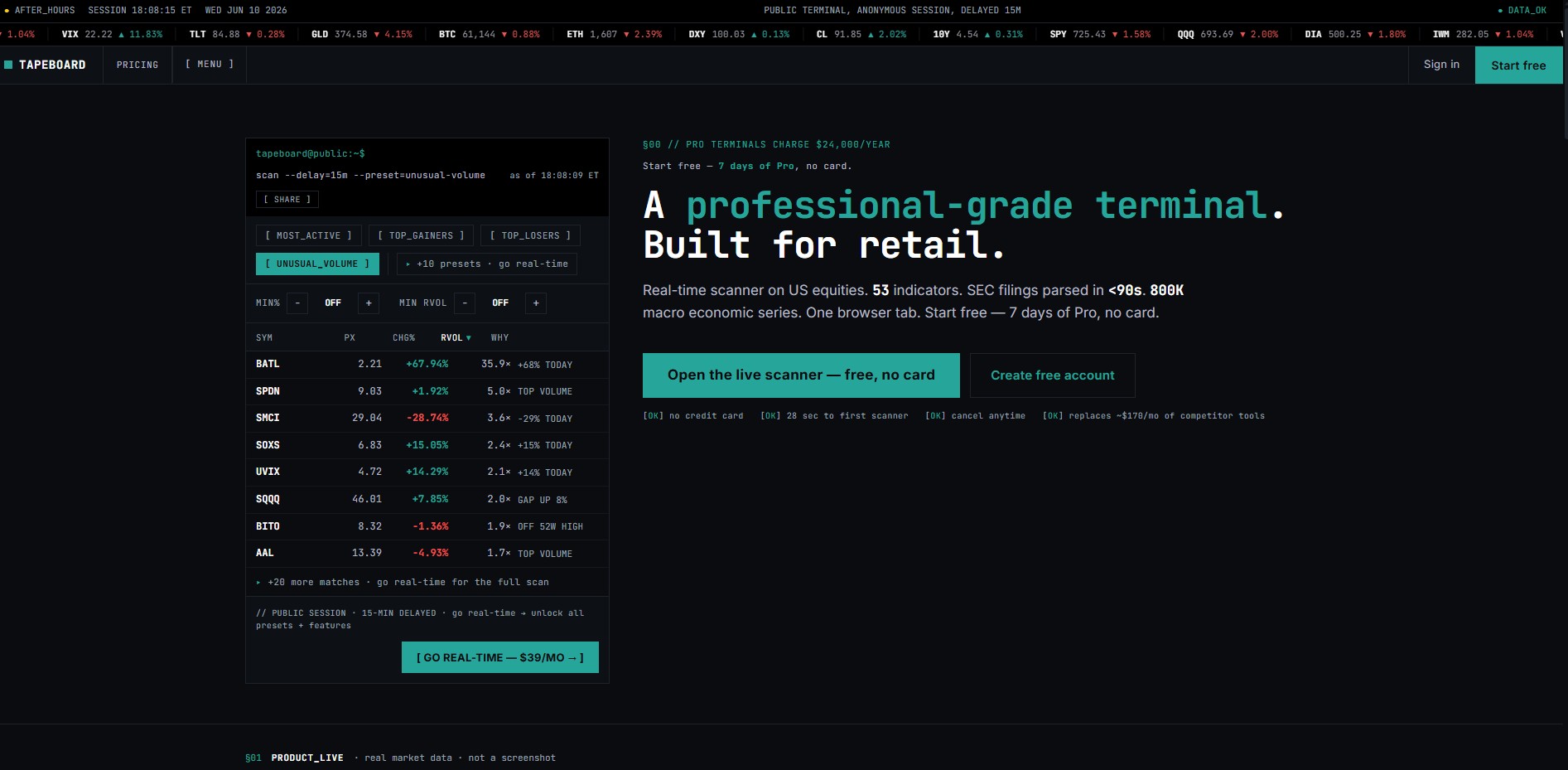
This guide explains how to navigate every section of Tapeboard and what each function does. Use the left sidebar to jump to any module, or follow the daily workflow below.
What is Tapeboard?¶
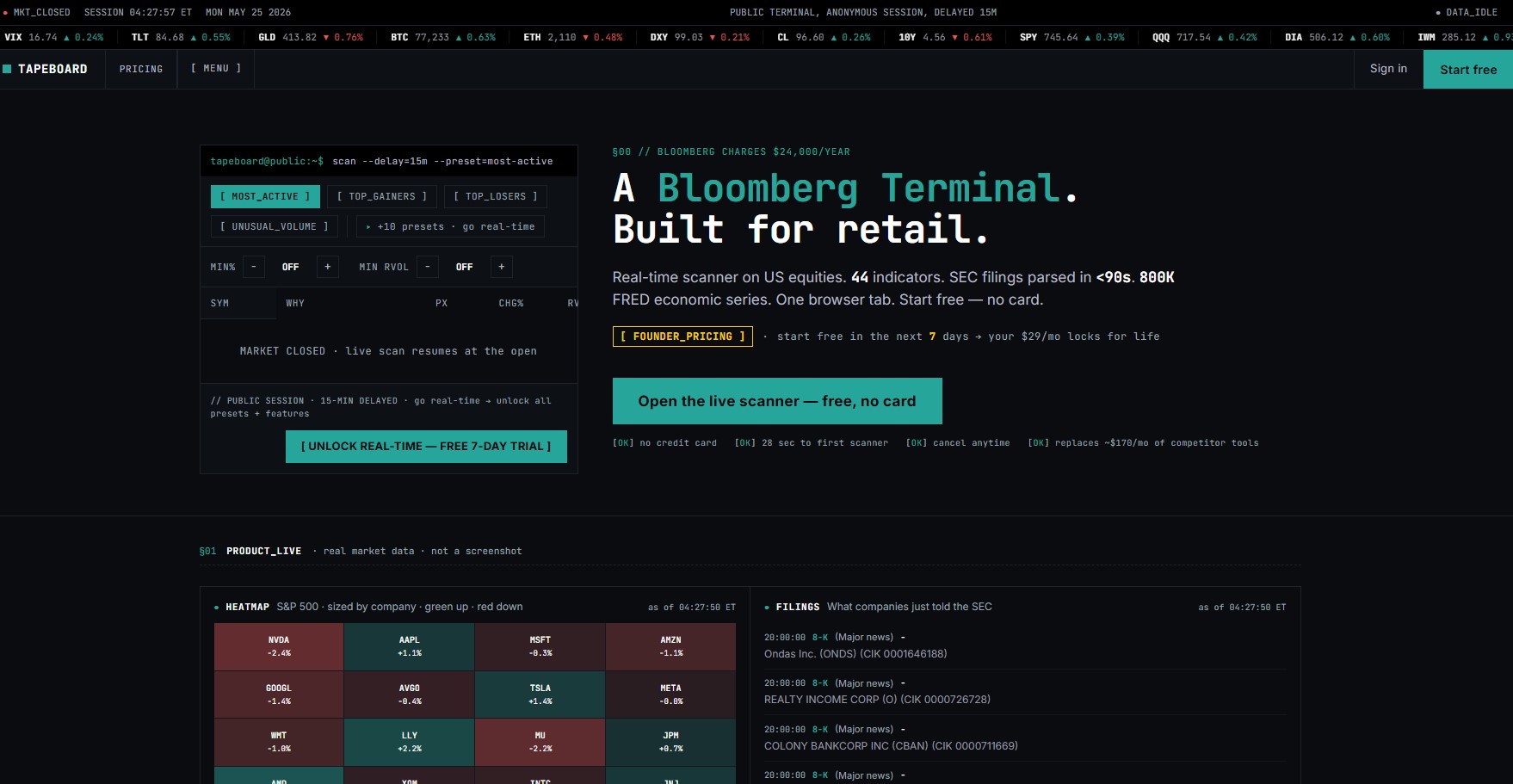
Tapeboard is a browser-based market terminal that gives retail traders access to professional-grade tools — real-time scanner, multi-pane charting, options chains, SEC filings with AI summaries, macroeconomic data, and more — under a single subscription, with no software to install.
Navigation¶
The left sidebar is always visible and organises all modules into six sections:
| Section | Shortcut | Modules |
|---|---|---|
| §MARKETS | — | Dashboard · Scanner ⌘2 · Charts ⌘3 · Heatmap |
| §RESEARCH | — | Research ⌘4 · Options · Filings · Insider · News |
| §MACRO | — | Economic ⌘5 · Forex · Crypto · Bonds · Commodities · Calendar |
| §TOOLS | — | Alerts · Inbox · Options Flow · Gamma Exposure · Correlation · Simulator · Breadth · Insider Scan · Idea Tracker · Backtest |
| §COMMUNITY | — | Ideas · Journal · AI History · Blog |
| §SETTINGS | — | Account · Notifications · Preferences · Hotkeys |
Global search: press ⌘K (or Ctrl+K) from anywhere to open the universal search bar.
Global Top Bar¶
The top ticker strip always visible at the top of the terminal, and can be customized with own tickers from SETTINGS menu
Plan Tiers¶
| Feature | Free | Pro ($29/mo annual) | Terminal ($63/mo annual) |
|---|---|---|---|
| Scanner | Delayed | ✓ Real-time | ✓ Real-time |
| Charts | Basic | ✓ Full | ✓ Full |
| Research | Limited | ✓ Full | ✓ Full |
| Options Chain | — | ✓ | ✓ |
| SEC Filings + AI | — | ✓ | ✓ |
| Options Flow | — | ✓ | ✓ |
| Gamma Exposure | — | ✓ | ✓ |
| Simulator | — | ✓ | ✓ |
| Economic Dashboard (FRED) | Curve only | Curve only | ✓ Full |
| Calendar (Day view) | — | — | ✓ |
| Trade Journal (Dashboard) | — | — | ✓ |
| Journal Import/Export CSV | — | — | ✓ |
| Alerts | 3 max | Unlimited | Unlimited |
Daily Workflow¶
Pre-Market (7:00 – 9:30 AM ET)¶
- ECONOMIC — check today's scheduled releases from CALENDAR
- FOREX — DXY direction + USD/JPY for risk appetite context
- BONDS — 10Y yield overnight move
- SCANNER → PRE_MKT preset — identify gap candidates, note top 3–5
- RESEARCH — quick diligence on the top gap names
Market Open (9:30 – 10:00 AM ET)¶
- DASHBOARD — sector performance, breadth, fear & greed
- HEATMAP — visual read on who is leading and lagging
- SCANNER → OPEN preset — confirm which pre-market names are following through
- CHARTS — load your top setup, check VWAP/EMA alignment
Intraday¶
- OPTIONS_FLOW — watch for unusual activity on watchlist names
- GAMMA_EXPOSURE — identify key dealer levels near current price
- NEWS — monitor for catalyst headlines on open positions
- BREADTH — check A/D ratio and breadth % for confirmation
Research & Analysis¶
- RESEARCH — fundamentals diligence before any new position
- FILINGS — read latest 10-Q or 8-K with AI summary
- INSIDER — check for recent open-market buying
Post-Session¶
- JOURNAL → TRADE_LOG — log every completed trade
- AI_HISTORY — review AI briefings from the session
- BACKTEST — validate any new setup ideas against history
Getting Help¶
- Hotkeys — see Settings in the left sidebar for all keyboard shortcuts
- Blog — daily market recaps and feature guides at tapeboard.com/blog
- Upgrade — tapeboard.com/pricing