§000 SCANNER - MY WORKSPACE¶
Real-time multi-panel stock scanner with 50 presets, natural-language filters, and session-aware auto-rotation.
URL:
tapeboard.com/scanner· Shortcut:⌘2orCTRL+2
The Tapeboard Scanner runs a multi-panel grid of real-time
What it is¶
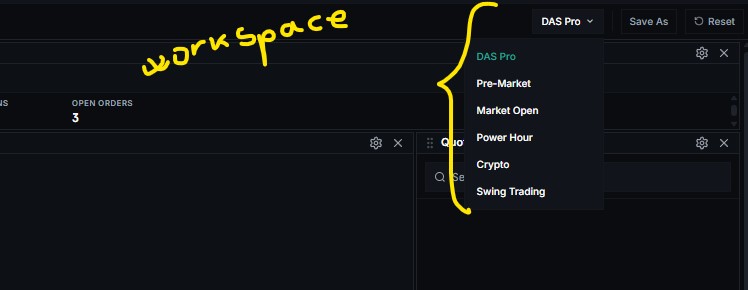
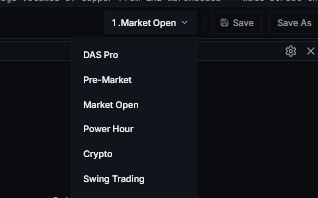
Dropdown meeu with preconfigured workspaces
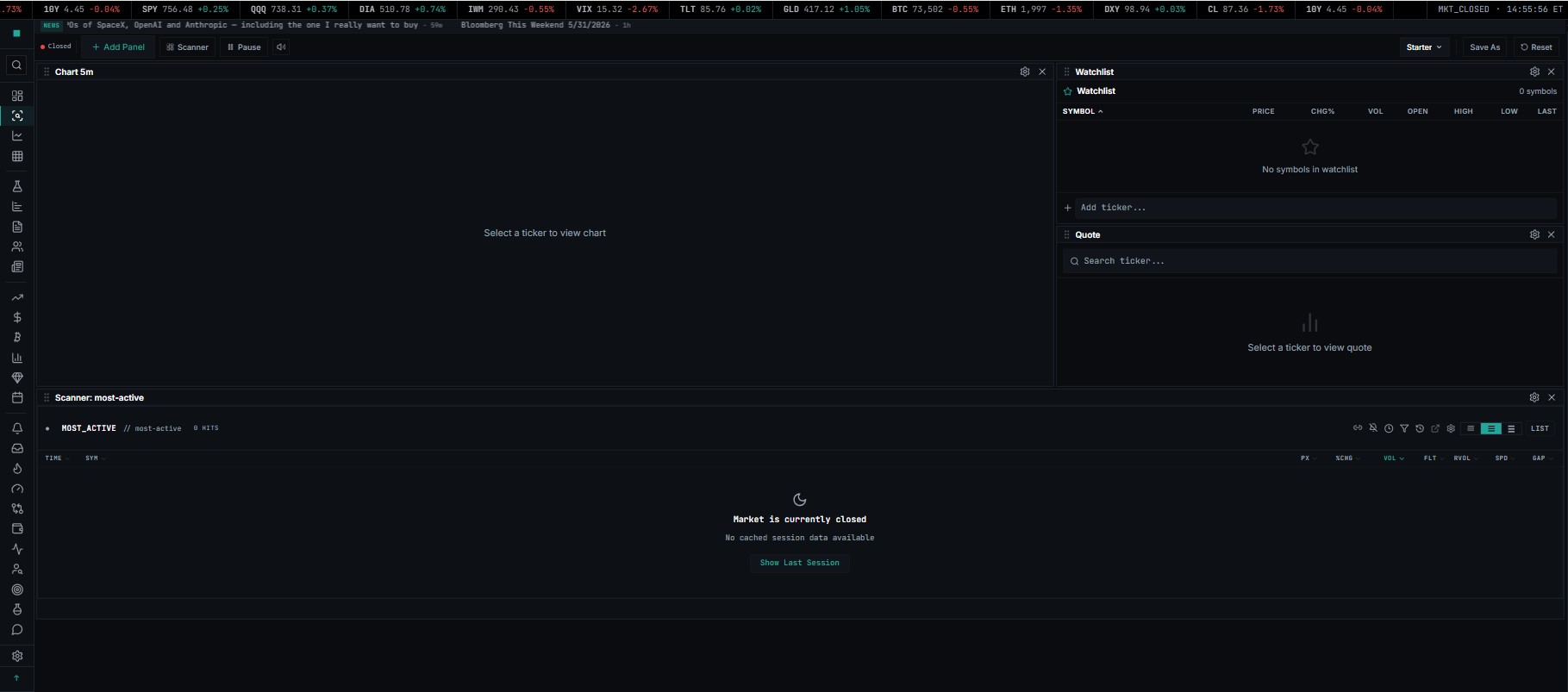
Starter¶
Starter Starter Starter Starter Starter Starter Starter Starter Starter Starter
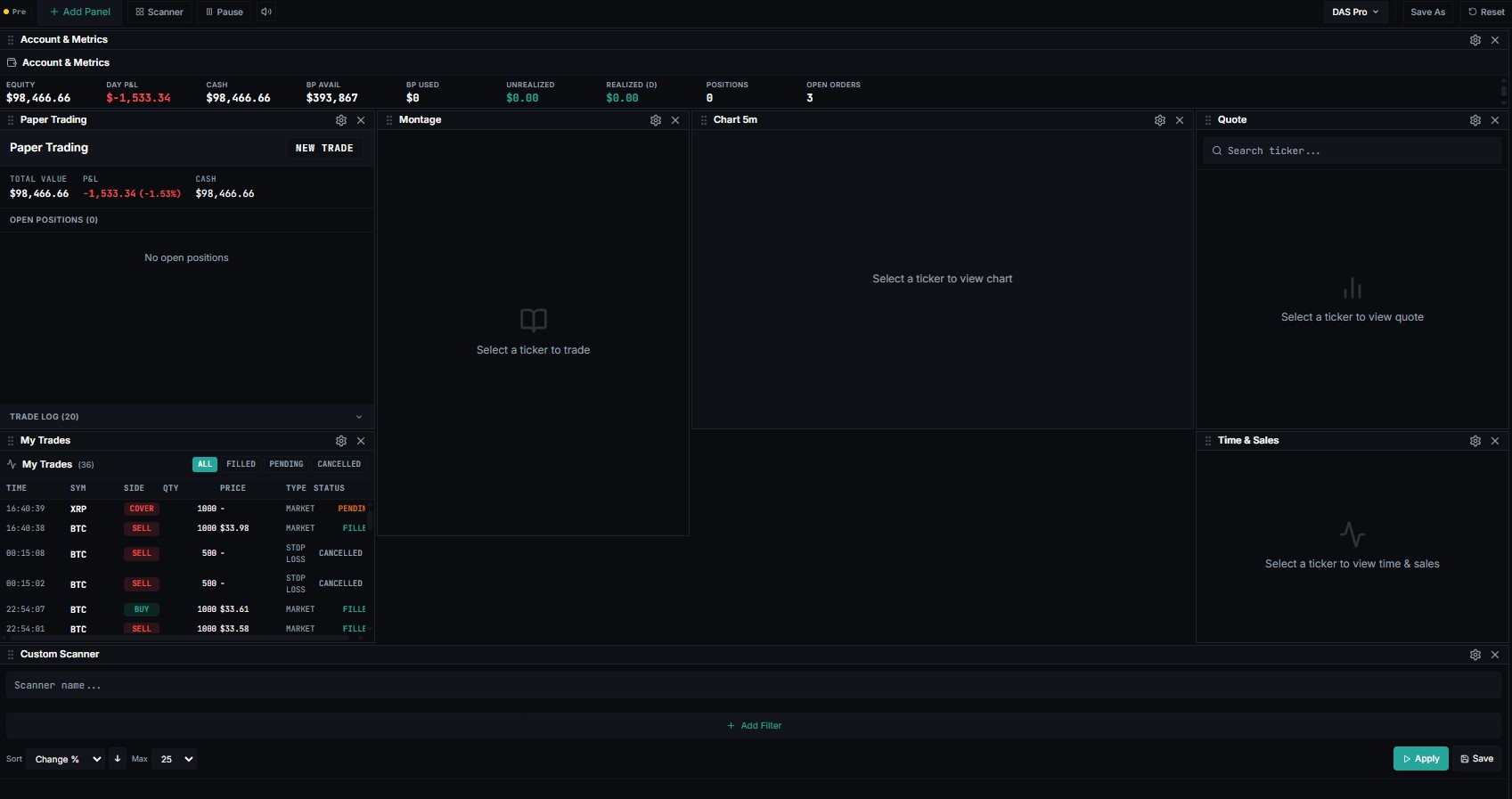
DAS Pro¶

Day-trading cockpit inspired by Warrior Trading / DAS Trader Pro. Compact montage for order entry + paper trading + chart + scanner + time & sales — the classic active-trader 6-panel layout.
Pre-Market¶
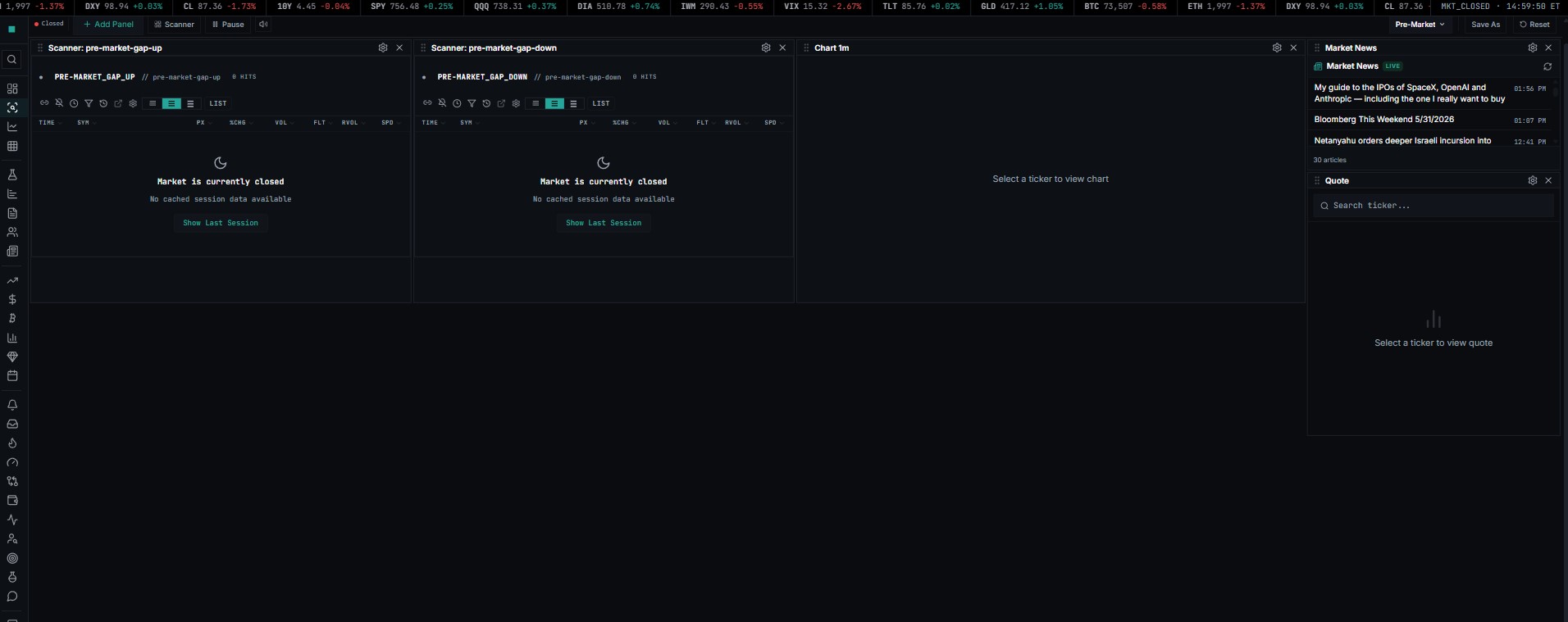
Pre-bell prep — gappers, halt queue, news, watchlist, sector heatmap. Designed for the 6:00–9:30am ET window.

Opening Bell¶
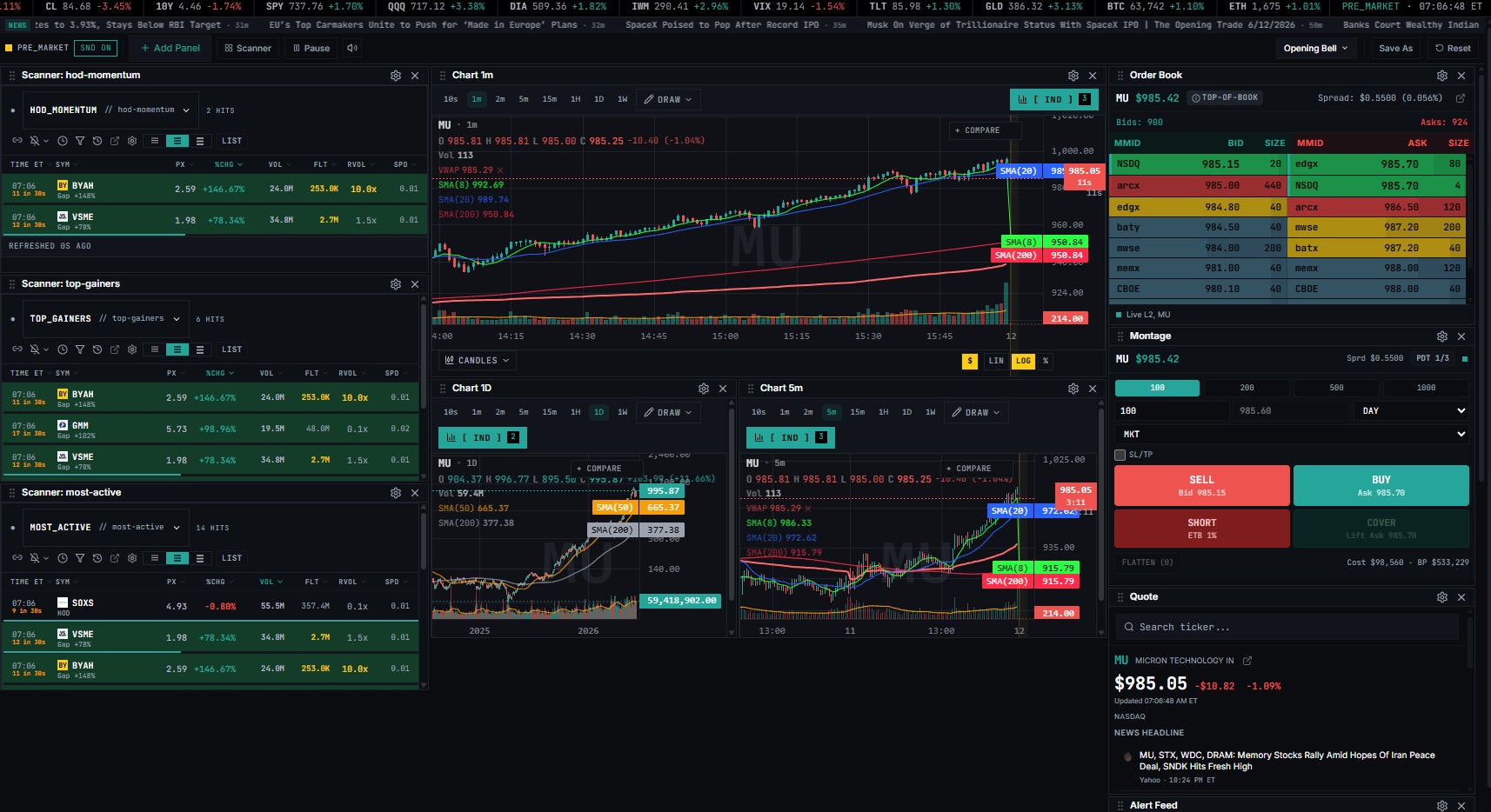
Pre-bell prep — gappers, halt queue, news, watchlist, sector heatmap. Designed for the 6:00–9:30am ET window.
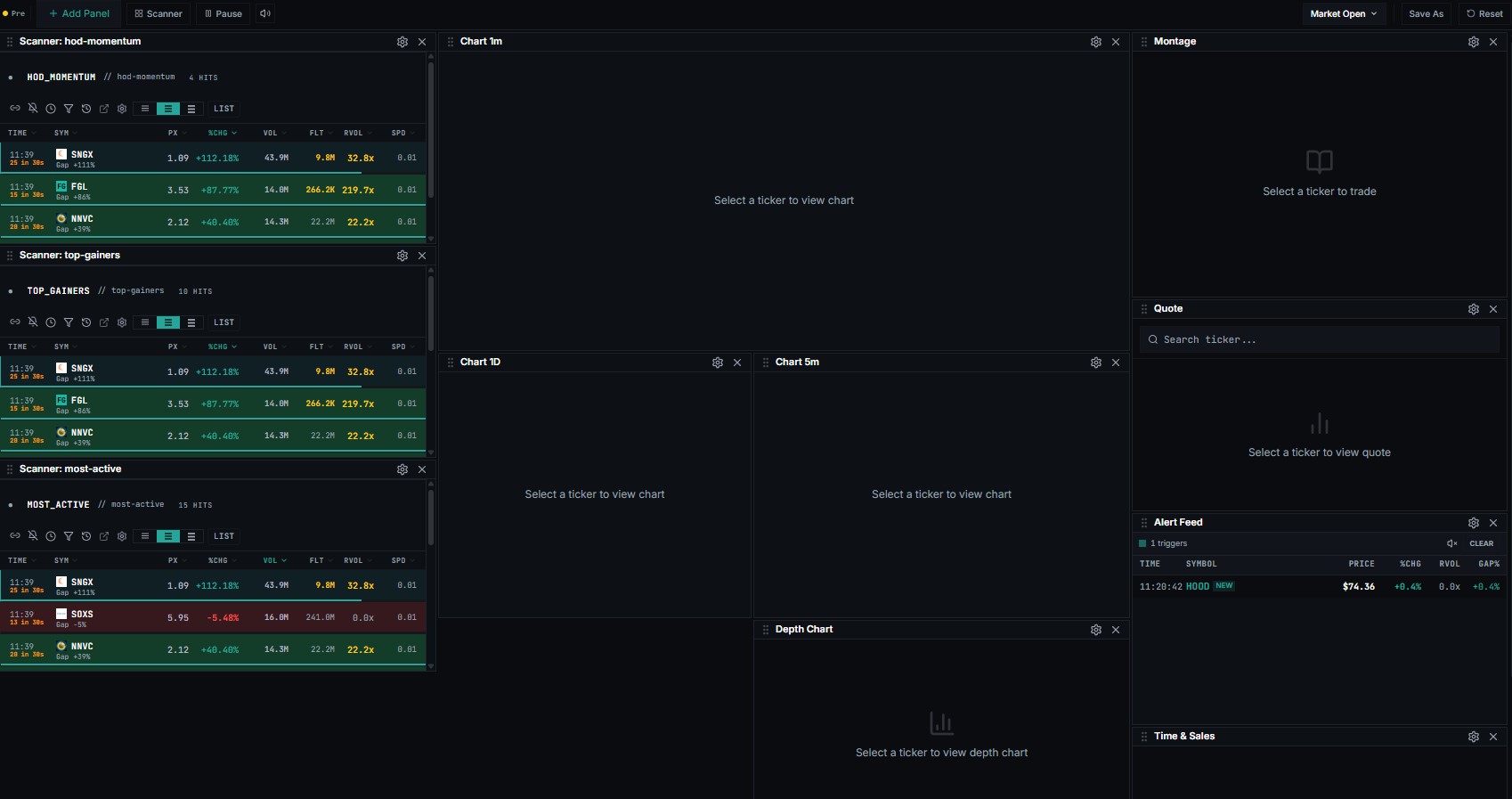
Market Open ???¶

First-30-minute volatility — scanner, momentum-leaders chart, L2, time & sales. Optimized for the 9:30–10:00am ET open auction window.
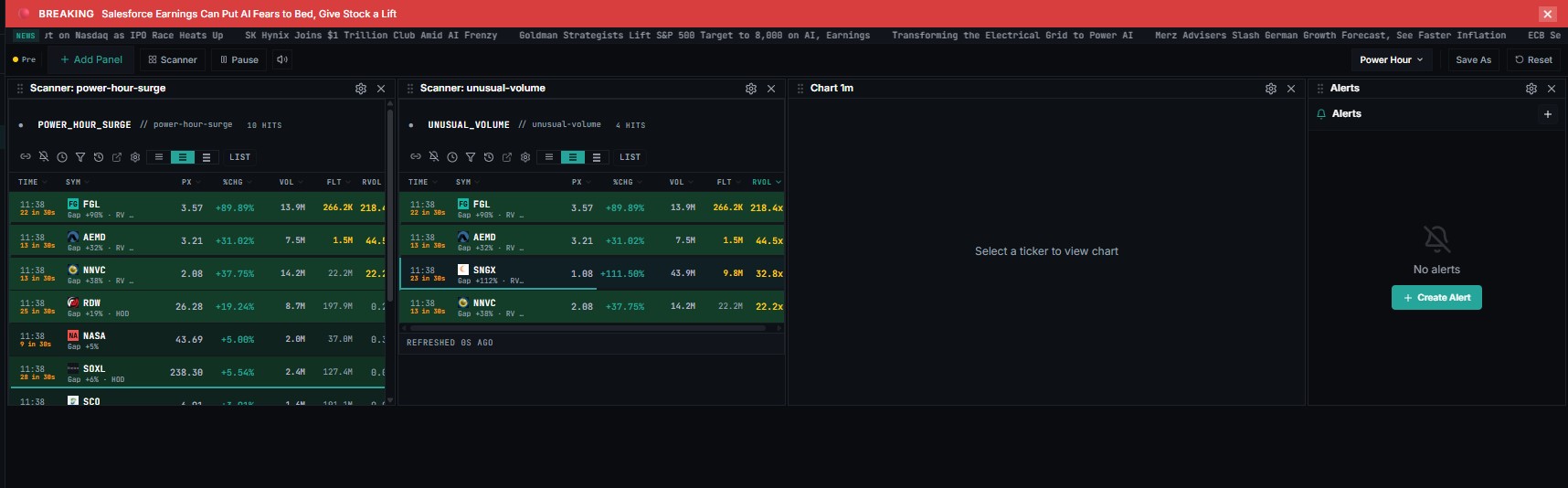
Power Hour¶
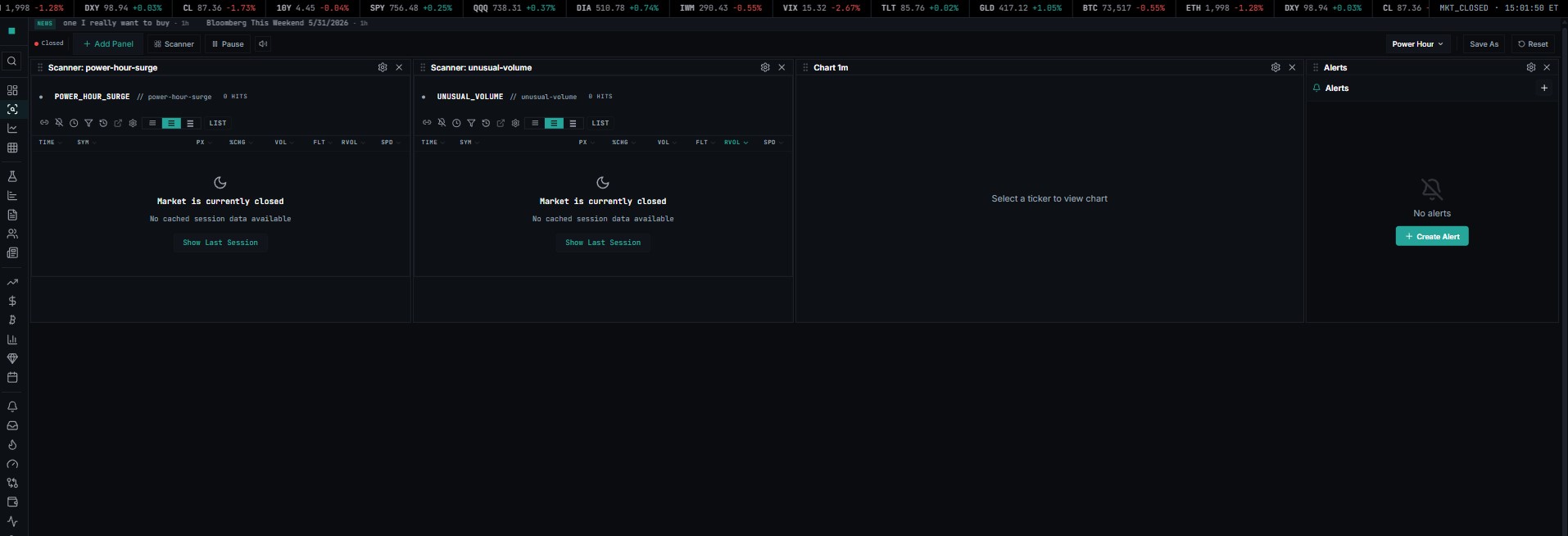
Final hour close-of-day setup — scanner, charts, watchlist movers, alerts. Designed for the 3:00–4:00pm ET window when volume + decisive moves cluster.
Crypto¶

24/7 crypto trading layout — Binance-fed charts, order book, trades feed. Use this when your watchlist is BTC / ETH / SOL / etc.

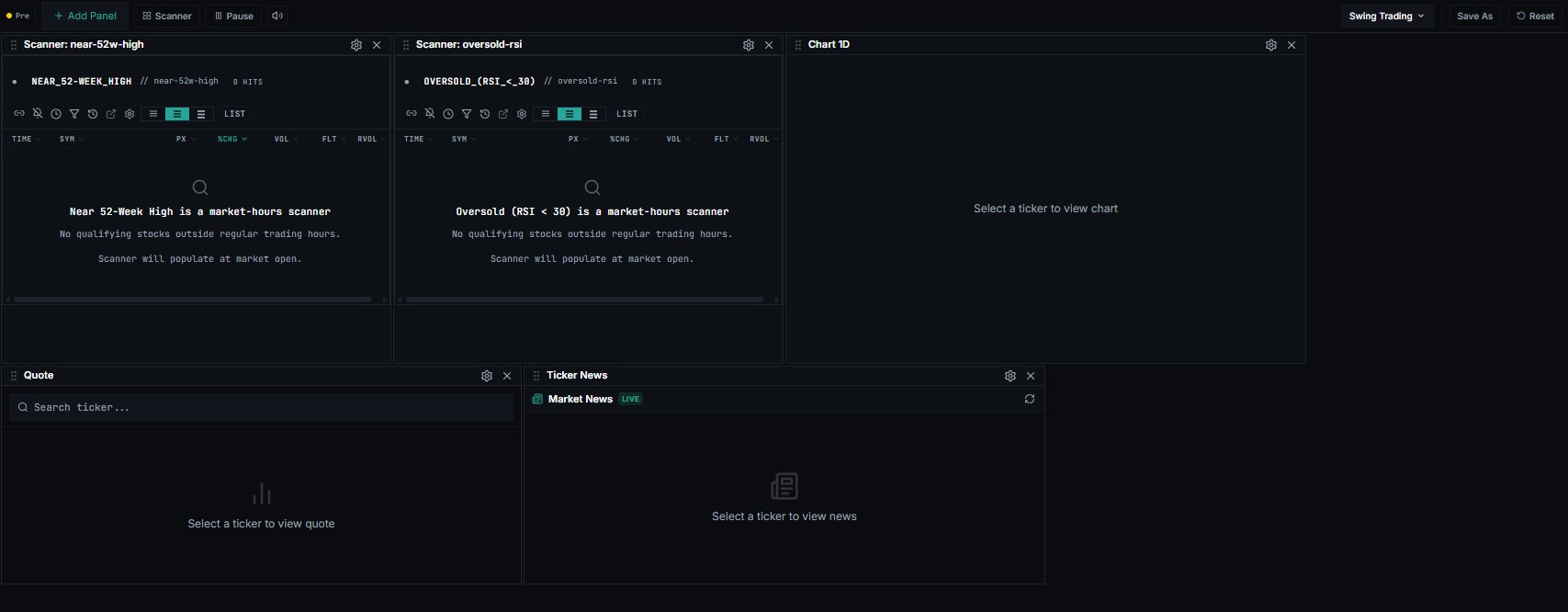
Swing Trading¶
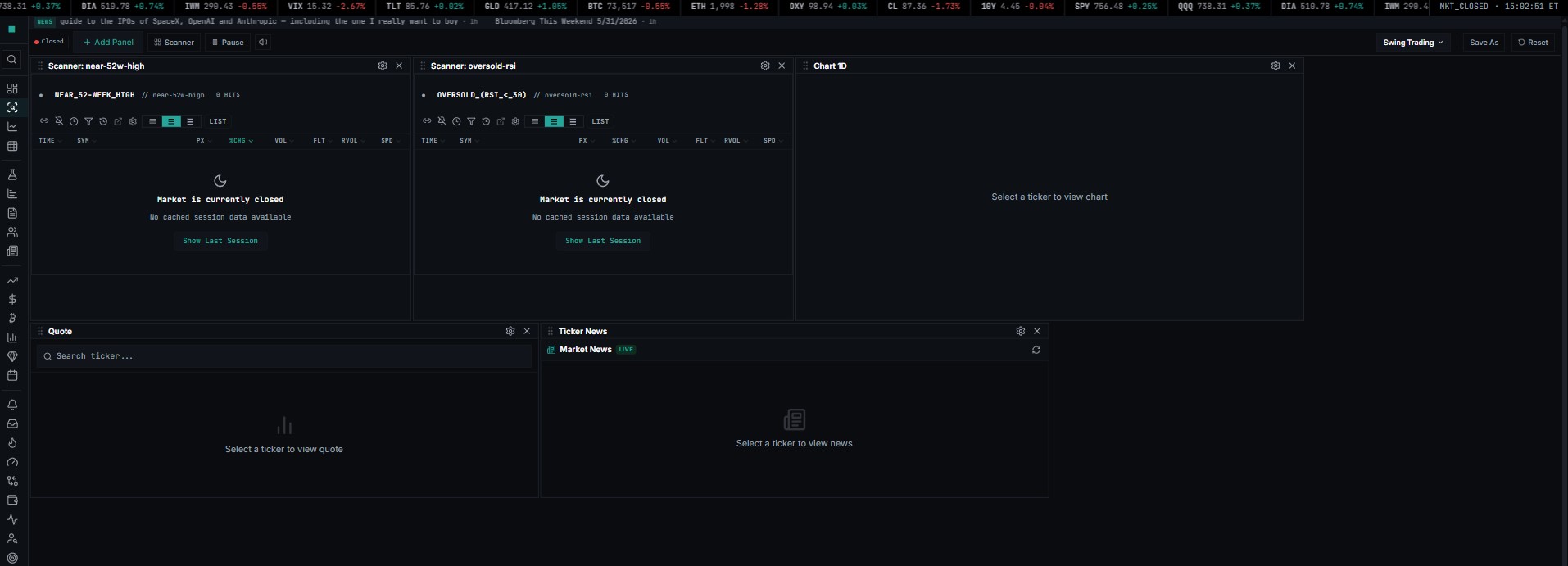
Multi-day position management — daily/weekly charts, fundamentals, news, calendar. Less screen-time, more research per ticker.
When to use it¶
Saving a workspace¶
Saving a workspace or a preset with a name you've already used now updates that one instead of creating a copy, so no more pile-up.
Delete a workspace¶
And the delete control (the X next to each saved workspace, and the trash icon on your custom presets under "My Presets") is now always visible instead of only appearing on hover, which is why it was hard to find. That's how you clear out the duplicates you already have.
Customized workspace¶
Saving a workspace or a preset with a name you've already used now updates that one instead of creating a copy, so no more pile-up.